






















菜鸟 vs 职业 HorseCr...
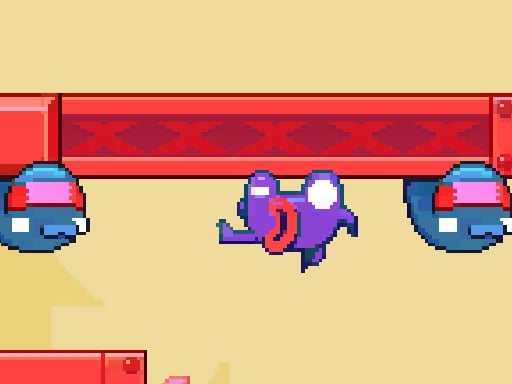
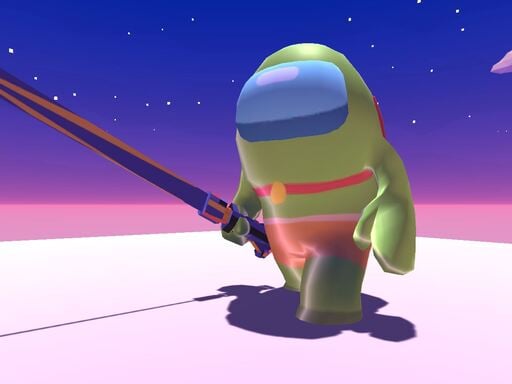
在这次冒险中,一名菜鸟和他们最亲密的朋友 Pro 试图到达并打开危险森林中的一个箱子。 森林非常危险,可能会导致他们死亡,他们必须避免这种情况。 只有新手才能将钥匙组装到箱子里,因此新手需要找到钥匙的所有碎片。 与此同时,职业玩家可以凭借强大的剑击败森林中的所有怪物,确保通往宝箱的旅程更加安全。
用户评论
请 登录 发表评论.
广告

游戏资讯
- Mouse/Touchpad: Most HTML5 games use the mouse or touchpad for primary interactions. For example:
- Click: Click to select options, start the game, or perform actions like shooting or jumping.
- Drag and Drop: For games involving dragging elements, hold the left mouse button and move the mouse to drag objects.
- Keyboard: Some games might require keyboard input. Common controls include:
- Arrow Keys (↑, ↓, ←, →): Move your character, navigate menus, or control in-game movement.
- Spacebar: Often used for actions like jumping, shooting, or pausing the game.
- Enter/Return: Start the game or confirm selections.
- Esc: Pause the game or access the game menu.
- Game Objectives:
- Read the game’s objective, usually provided on the start screen or within a tutorial.
- Follow any in-game prompts or tutorials that guide you through the first few levels or actions.
This is the new comment on this portal
1 year ago